When you save a TikTok using the app’s own Save video button, you get a file with the TikTok logo and the creator’s username bouncing across the screen. If you want a clean copy — for example to back up your own videos or watch offline without distractions — you need a TikTok downloader without watermark. Here’s how to download TikTok videos without watermark in HD on iPhone, Android and PC, for free.
Quick answer: Tap Share on the TikTok → Copy link → paste it into the GrabSaver TikTok Downloader → choose the HD option → tap Download. The video saves without the watermark.
Why do TikTok videos have a watermark?
TikTok adds its logo and the creator’s @username to every video saved through the app so that the clip keeps pointing back to TikTok when it’s shared elsewhere. The watermark moves around the frame, which makes it hard to crop out — and cropping lowers the quality anyway. A watermark-free downloader avoids the problem by fetching the original upload instead of the stamped copy.
How to download TikTok videos without watermark (step by step)
Step 1: Copy the TikTok link
- In the TikTok app: tap the Share arrow on the right side of the video and choose Copy link.
- On a computer: open the video on tiktok.com and copy the address bar URL. Short links like
vm.tiktok.com/…work too.
Step 2: Paste it into GrabSaver
Open the TikTok downloader, tap Paste and press Download. You’ll see the video’s cover, caption and the qualities available.
Step 3: Choose HD and download
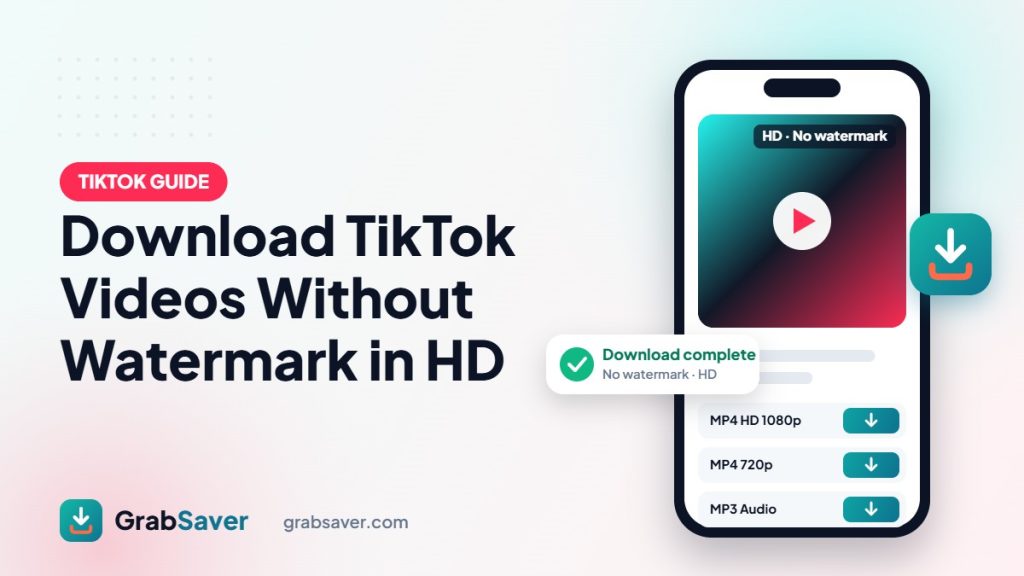
Tap the highest quality (usually HD 720p or 1080p). GrabSaver prepares the clean file and shows a live progress bar until it says “Download complete”.
Download TikTok without watermark on iPhone
- Copy the video link in the TikTok app.
- Open Safari and go to grabsaver.com/tiktok-video-downloader.
- Paste the link, tap Download and choose HD.
- Find the video in the Files app → Downloads. Tap Share → Save Video to move it to your Photos.
Download TikTok without watermark on Android
- Copy the link from the TikTok app.
- Open Chrome and visit the GrabSaver TikTok downloader.
- Paste, tap Download and pick HD.
- The video appears in your Gallery or Files → Downloads.
Download TikTok without watermark on PC or Mac
Copy the URL from tiktok.com, paste it into GrabSaver and click the quality you want. The MP4 file saves to your Downloads folder — no software or extension needed.
Getting the best HD quality
| Option | Watermark | Quality |
|---|---|---|
| TikTok app “Save video” | Yes | Compressed |
| Screen recording | Yes | Lower, includes UI |
| GrabSaver HD download | No | Original HD (720p/1080p) |
The quality you get depends on what the creator uploaded. If a video was filmed and posted in 1080p, you’ll see a Full HD option; older or lower-quality uploads may top out at 540p or 720p.
How to save TikTok sounds as MP3
Love the song or voice-over in a TikTok? Paste the link and choose MP3 Audio to save just the sound — handy for ringtones or offline listening.
Why isn’t my TikTok downloading?
- Private account or friends-only video: only public videos can be downloaded.
- Video removed: deleted or region-blocked videos can’t be fetched.
- Photo slideshow: some TikTok posts are image carousels rather than videos.
- Busy moment: wait a few seconds and try again.
Is it OK to download TikToks without watermark?
Downloading your own videos or saving clips for personal offline viewing is the right way to use a watermark-free downloader. Removing the watermark to repost someone else’s video as your own is not — it takes credit away from the creator and can break copyright rules and TikTok’s terms. Always credit creators and ask before reusing their work.
More free downloaders
GrabSaver also lets you download Instagram Reels and photos, save Facebook videos in HD and download YouTube Shorts in one click. Next, read how to download YouTube videos in 1 click or how to download Facebook videos in HD.
Frequently asked questions
Is the TikTok downloader free?
Yes. GrabSaver is free, with no sign-up, no app and no watermark of our own added to your files.
Does the creator know I downloaded their TikTok?
No. TikTok does not notify creators when a public video is downloaded through a link.
Can I download TikTok videos in 1080p?
Yes, when the creator uploaded in 1080p. GrabSaver always lists the highest quality available.
Does it work with TikTok Lite links?
Yes. Any public TikTok video link, including short vm.tiktok.com links, works.