Instagram doesn’t give you a “Save to phone” button for other people’s photos — the bookmark icon only saves posts inside the app. So how do you download Instagram photos to your gallery in full quality? In this guide you’ll learn the fastest way to download a single Instagram photo, every image in a carousel, and Reels — on iPhone, Android and computer — without installing anything.
Quick answer: Open the post → tap the paper-plane (Share) or ⋯ icon → Copy link → paste it into the GrabSaver Instagram Downloader → tap Download next to each photo.
What you can download from Instagram
| Content | Saved as | Supported? |
|---|---|---|
| Single photo post | JPG (original resolution) | Yes |
| Carousel (multiple photos) | Every image as a separate JPG | Yes |
| Reels & videos | MP4 with sound | Yes |
| Reel audio | MP3 | Yes |
| Posts from private accounts | — | No (protected by Instagram) |
How to download Instagram photos (step by step)
Step 1: Copy the post link
- In the Instagram app: open the photo, tap the paper-plane icon (or the ⋯ menu at the top right) and choose Copy link.
- On a computer: open the post on instagram.com and copy the URL from the address bar. It looks like
instagram.com/p/….
Step 2: Paste the link into GrabSaver
Go to the Instagram downloader, tap Paste and press Download. GrabSaver reads the post and shows every photo and video it contains.
Step 3: Save the photos
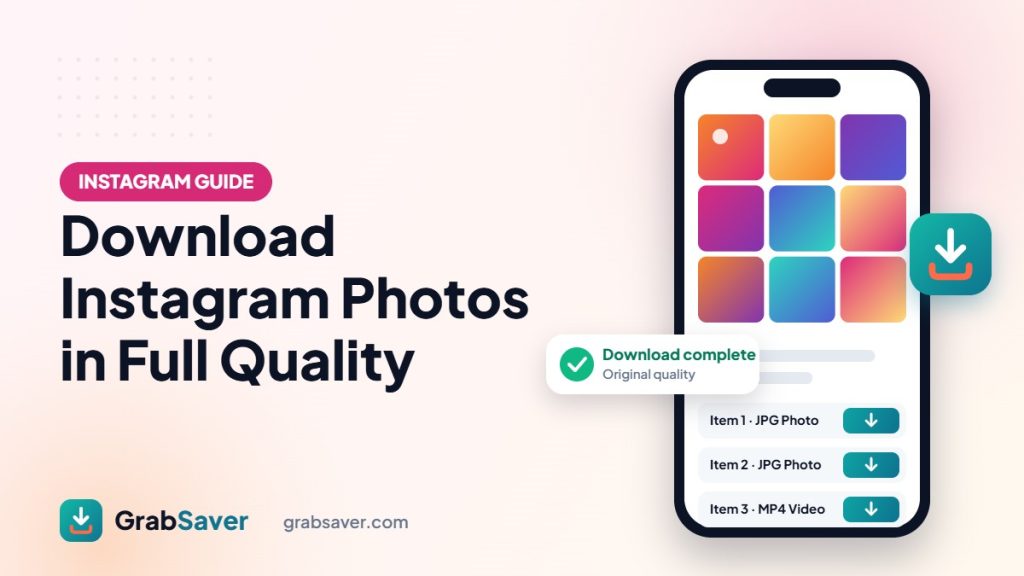
Tap Download next to the image you want. For a carousel, each photo has its own button — save one, a few, or all of them. Files go to your Downloads folder in their original quality.
How to download Instagram photos on iPhone
- Copy the post link from the Instagram app.
- Open Safari and visit grabsaver.com/instagram-video-downloader.
- Paste the link, tap Download, then tap Download next to the photo.
- If Safari opens the image instead of saving it, press and hold the image and choose Save to Photos.
- Downloaded files can also be found in the Files app → Downloads.
How to download Instagram photos on Android
- Copy the link from the Instagram app.
- Open Chrome and go to the GrabSaver Instagram downloader.
- Paste, tap Download and save each photo.
- Your photos appear in the Gallery or Files → Downloads.
How to download Instagram photos on PC or Mac
Copy the post URL from your browser, paste it into GrabSaver and click Download. If the image opens in a new tab, right-click it and choose Save image as….
Downloading every photo in a carousel
Carousel posts (the ones with dots under the image) can hold up to 20 photos and videos. You don’t need a separate link for each slide — paste the post link once and GrabSaver lists them all, labelled Item 1, Item 2 and so on. Save only the ones you need.
How to download Instagram Reels and videos
Reels work exactly the same way: copy the Reel link, paste it into the downloader and choose MP4 for the video or MP3 for just the sound.
Why isn’t my Instagram photo downloading?
- The account is private: only public posts can be downloaded.
- The link is incomplete: make sure you copied the full post link, not a profile link.
- The post was deleted or archived: it can no longer be accessed.
- Temporary block: Instagram sometimes limits requests. Wait a minute and try again.
Respect the photographer
Photos on Instagram belong to the people who took them. Downloading for personal use — saving your own photos, keeping inspiration or a memory — is fine, but don’t repost someone else’s work without permission and credit. When in doubt, ask the creator.
More free tools
GrabSaver also lets you download TikTok videos without watermark, save Facebook videos in HD and download YouTube videos in one click. If you mostly save videos, our guide on downloading TikToks without the watermark is a good next read.
Frequently asked questions
Can I download Instagram photos without an app?
Yes. GrabSaver runs entirely in your browser — no app, no extension and no Instagram login required.
Does downloading a photo notify the owner?
No. Instagram does not notify users when someone downloads a public photo through a link.
Are photos saved in full quality?
Yes. GrabSaver saves the highest-resolution version Instagram provides for that post.
Can I download profile pictures or Stories?
This tool is designed for posts, carousels and Reels from public accounts. Paste a post or Reel link for the best results.